

About Bwin.es
Bwin.es is the DGOJ-regulated online poker room in Spain, part of the iPoker network and backed by the Entain group. It offers Texas Hold'em, Omaha and FastForward with weekly cashback up to 55%, paid every Monday directly to your cash balance with no release requirements. Players who register through PokerDealsAI also earn additional AI Points, up to x8 points per euro of rake generated, redeemable for real cash.
High traffic
Full tables 24/7 at all stakes
Intuitive software
Optimized mobile app and desktop client
Fast withdrawals
Rakeback paid within 48 business hours of your request
Regulated room
DGOJ license: regulated room for players in Spain.
How to get started at Bwin.es
- 1Sign up at Bwin.es through our link.
- 2Come back and add your Bwin.es username in My rooms: that links your account so we can pay you.
- 3Play as usual and collect your rakeback every month in your wallet.
To get paid your rakeback you need a PokerDealsAI account
- 1Sign up at Bwin.es using the link above.
- 2Create your free PokerDealsAI account and add your Bwin.es username under My rooms: that is what lets us recognise your rake and pay it to you.
Already have an account? Log in and add the room
It is free, it changes nothing in your room account, and without it the rake you generate has no owner.
Calculate your rakeback at Bwin.es
Rakeback & Loyalty Program at Bwin.es
Bwin.es offers a weekly cashback system of up to 55% based on points accumulated throughout the week, paid every Monday directly to your cash balance. FastForward is the most rewarding format with 4 points per euro of rake, followed by regular cash games at 3 points, SPINS and SNGs at 2.5 points, and MTT tournaments at 2 points per euro.
Room rakeback: Up to 55%
Percentage the room returns to the player
AI Points Program
AI Points are what we add on top of whatever rakeback the room pays you. They are the platform's internal balance: 100 points equal 1 USD. They build up in your wallet based on your monthly volume, and you can withdraw them from the cashier whenever you want.
How are your AI Points calculated?
You earn AI Points based on the rake you generate at the table. The more hands you play, the more points you accumulate.
What we add, by volume
| Monthly Rake | AI Points |
|---|---|
| $0+ | 8 pts/$ (8%) |
Practical example
If you generate $0 in Rake per month, you receive 8 points per $1 of Rake = 0 AI Points ($0).
1 AI Point = $0.01 USD · Points are credited to your wallet and you can withdraw them anytime.
Real-time tracking
Automatic tracking of your AI Points generated across all active rooms.
AI Optimization
The more volume you generate in a month, the better the tier that applies to you.
Loyalty points
Accumulate AI Points with every session and redeem them for exclusive benefits.
How to get started? Sign up at Bwin.es through our link, connect your account in your dashboard, and the system will start tracking your activity automatically.
Active promotions at Bwin.es
Bwin.es Mystery Bounty Tournaments 2026: Hidden Prizes Up to €50,000
Bwin.es Mystery Bounty Tournaments in 2026 revolutionize poker with hidden prizes up to €50,000 revealed when eliminating opponents. Every bounty hunted is a potential jackpot with multiple daily flights and buy-ins from €5. Register through PokerDealsAI and earn additional AI Points with every tournament!
Bwin.es Weekly Cashback up to 20% + Welcome Bonus Spain 2026
Get up to 20% of your rake back every week at Bwin.es with automatic weekly cashback! No wagering requirements, direct cash payments every Monday, plus earn up to 8x AI Points per euro of rake when registering through PokerDealsAI. Welcome bonus up to €30 in tickets included.
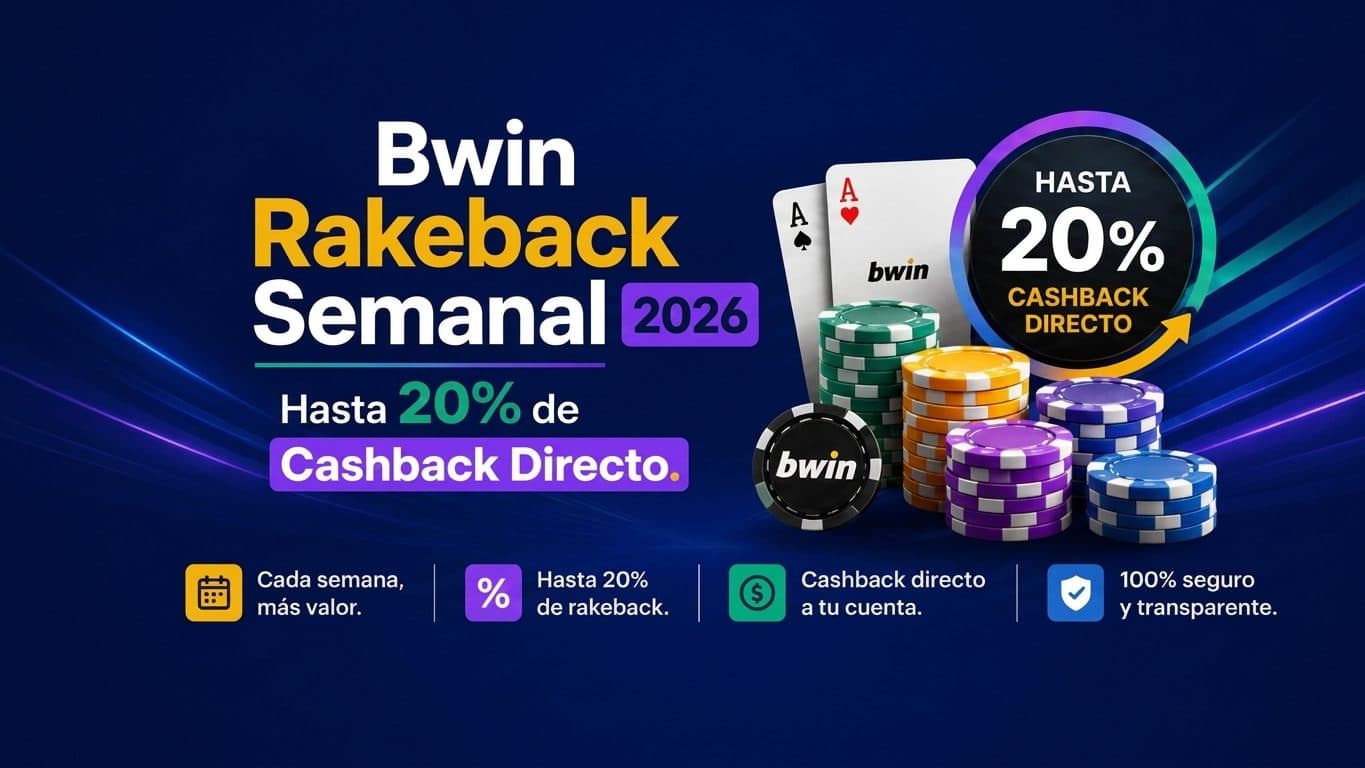
Bwin Rakeback Weekly 2026: Up to 20% Direct Cashback
Bwin.es launches its weekly poker cashback for 2026: get back up to 20% of your generated rake, paid every Monday in real cash with no wagering requirements. Earn 1 point per dollar played and unlock instant rewards.
Articles about Bwin.es


Frequently Asked Questions about Bwin.es
What payment methods does Bwin.es accept for deposits and withdrawals?▼
Bwin.es accepts the following payment methods: PayPal, Sofort, GiroPay, VISA Debit, Mastercard, online bank transfer, Paysafecard, Skrill, Skrill 1-Tap, MuchBetter and Neteller. All are available on both the web version and the mobile app. PayPal can also be used for withdrawals, as long as the account is verified and the method is active on your profile. Exact deposit and withdrawal limits are shown at the cashier before confirming each transaction.
Which game formats generate the most rakeback points at Bwin.es?▼
The most profitable format is FastForward, earning 4 points per euro of rake generated. Regular cash games follow with 3 points per euro, SPINS and SNGs with 2.5 points, and MTT tournaments with 2 points per euro of rake.
Can I use Apple Pay to deposit and withdraw at Bwin.es?▼
Yes, Apple Pay is available at Bwin.es for both deposits and withdrawals. Deposits are instant and there are no additional fees. You can use it from the bwin app (authenticating with Face ID or Touch ID) or from Safari. To withdraw funds with Apple Pay, you must have previously used this method to deposit. Compatible with iPhone, iPad, Apple Watch and Mac.
How do I withdraw money from Bwin.es and how long does it take?▼
To withdraw your money from Bwin.es: 1) Log in and go to 'My Account' > Withdrawals (left column); 2) Choose your payment method: VISA, PayPal, Paysafecard or bank transfer; 3) Enter the amount and confirm. Bwin.es charges no withdrawal fees. Internal review can take up to 24 hours Monday to Friday. Once complete, you'll receive a confirmation email with a reference number. Note: withdrawal requests made within 8 hours of each other may be combined into a single request. Bwin reserves the right to process withdrawals using the same payment method used for deposits. Your account must be verified to withdraw.
Can I deposit with Bizum at Bwin.es?▼
Yes, Bwin.es accepts Bizum as a payment method for deposits. The process is immediate: money is reflected instantly in your account. The minimum limit per transaction is €5 and the maximum is €10,000. There are no fees for using Bizum at Bwin.es.
Is it legal to play at Bwin.es in Spain?▼
Yes. Bwin.es operates under a license from the DGOJ (Dirección General de Ordenación del Juego), Spain's official online gambling regulator. This means the site complies with Spanish regulations and players residing in Spain can play fully legally.
Can I use Apple Pay to deposit and withdraw at Bwin.es?▼
Yes, Apple Pay is available at Bwin.es for both deposits and withdrawals. Deposits are instant and free of additional charges. You can use it from the bwin app (iOS) or from Safari. Payment is authenticated with Face ID or Touch ID. To withdraw via Apple Pay, you must have previously made a deposit using the same method.
How do I withdraw money from Bwin.es and how long does it take?▼
To withdraw money from Bwin.es: 1) Log in and go to 'My Account' > Withdrawals. 2) Choose the method: VISA, PayPal, Paysafecard or bank transfer. 3) Bwin charges no withdrawal fees. 4) Internal review can take up to 24 hours Monday to Friday. 5) You will receive a confirmation email with a reference number. Note that withdrawals requested within 8 hours of each other may be combined, and Bwin reserves the right to process withdrawals using the same payment method used for deposits.
How do I withdraw money from Bwin.es and how long does it take?▼
To withdraw money from Bwin.es: 1) Log in and go to 'My Account' > Withdrawals; 2) Select the method (VISA, PayPal, Paysafecard or bank transfer); 3) Enter the amount. Bwin charges no withdrawal fees. Internal review can take up to 24 hours on business days. You will receive a confirmation email with a transaction number. You can check the status under 'Transaction History'. Note: if you have active bonuses, their conditions must be met before withdrawing those funds.
Can I deposit with Bizum at Bwin.es? What are the limits?▼
Yes, Bizum is available at Bwin.es for deposits. The minimum per transaction is €5 and the maximum is €10,000. Deposits are instant and commission-free. You only need the phone number linked to your bank account to complete the transfer.